Your customer orders. You have it ready.
Pickd is your store’s order-ahead pickup page. Customers build their order on their phone, you get it ready without the rush, and they pick it up without waiting in line. It connects to your register.
Available now in Mexico, with Libo.Coming soon to the U.S.
 Built to work with Libo, the Ryze point of sale. With MR Tienda, coming soon.Liboand soon withMRMR Tiendaor another systemOther systems coming soon
From your customer’s phone to their bag, in 4 stops.
Here’s how it works, with sample order A-128. Tap each stop.
Your customer builds their order
On their phone, no app to download. They see what’s in stock at their store with your register’s prices, choose a pickup time and send it without paying.
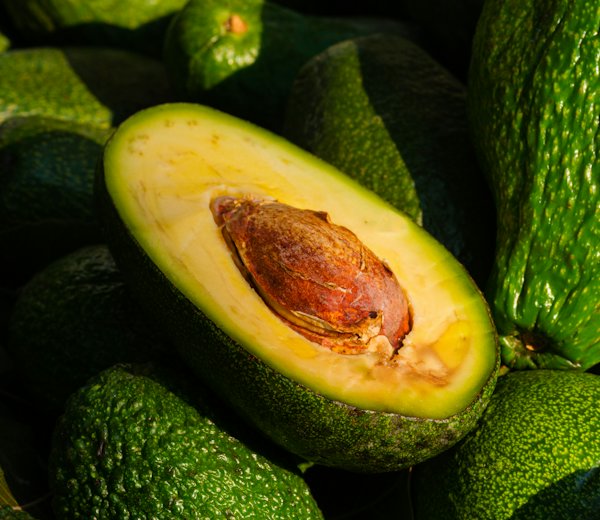 Avocado · ½ kg✓
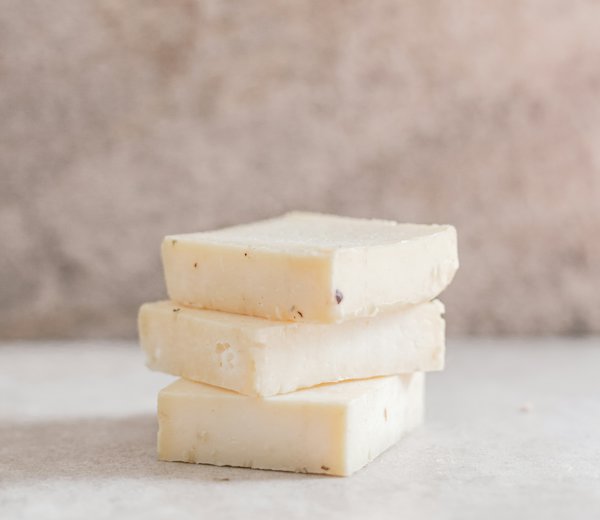 Asadero · 1 kg✓
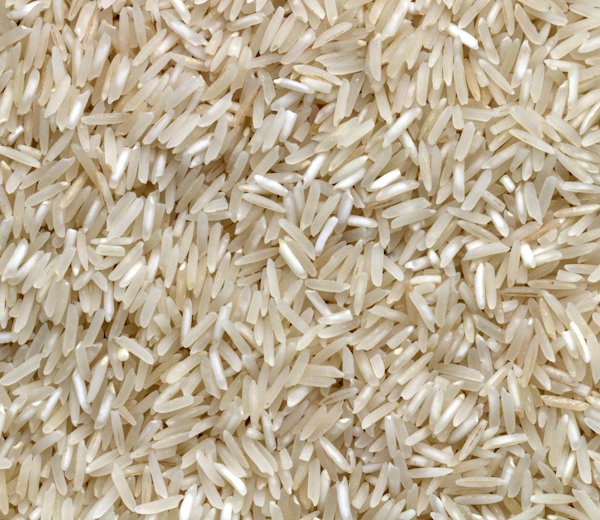 Rice 1 kg✓
 Onion · 1 kg✓
Your store gets pinged
The order lands on that store’s tablet or computer, with a sound. If it’s the customer’s first order, it gets confirmed on WhatsApp before anyone picks it.
6 items · pickup at 6:30 pm
Start pickingIt gets picked and they get a text
Your team checks off each item so nothing gets missed, and everything they ordered is set aside for them. When they tap "Ready", your customer gets a heads-up to come by (on iPhone, if they saved your page to their home screen).
 Cooking oil 1 L✓
 Almonds 250 g✓Onion · 1 kg✓
Your order A-128 is ready. Pick it up at the counter.
Pays at your register and takes it home
They come in, pay like any other sale and grab their bag. The sale, inventory and end-of-day close stay in Libo or MR Tienda. Once it’s rung up, the order is marked picked up on its own.
Pick orders without the rush or the mistakes.
- ✓A checkmark for every itemNothing gets skipped: the order shows what’s still missing.
- ✓One tap and they’re notifiedTap "Ready" and your customer gets the heads-up.
- ✓Each store, its own ordersEach tablet sees only its own orders and stock.
Everything Pickd does, on one receipt.
Made for real neighborhood stores: grocery stores, delis, butcher shops, small supermarkets and corner stores. What your customer uses, what your team does and what you see.
Order it. Swing by. Take it home.
Simple pricing. Pay yearly and get 2 months free.
Coming soon to the U.S.
Pickd launches in Mexico first, then in the U.S. Message us and we’ll let you know as soon as you can use it there.
In the U.S., Pickd works with Libo, with no setup fee. Connecting it to another system is coming soon.
Connecting Pickd to MR Tienda or another system is coming soon. Today Pickd works with Libo, with no setup fee.
Pickd Small
To get started with one store.
No setup fee
- ✓1 location
- ✓Your page with a link and QR code, with your Libo catalog
- ✓Orders ring in your Libo
- ✓Send "it’s ready" on WhatsApp in one tap
- ✓They pay at your register, as usual
Pickd Small is only for stores with Libo.
Pickd
For the store that already sells a lot.
No setup fee
- ✓Everything in Small, at all your locations
- ✓Chooses a pickup time
- ✓Automatic "it’s ready" alert
- ✓"No-show" and "if it’s out" rules
- ✓Reorder and promotions
Pickd Pro
To deliver too.
No setup fee
- ✓Everything in Pickd
- ✓Customers can pay online with Mercado Pago
- ✓Delivery to the neighborhoods you choose
- ✓Your page on your own domain
Prices are per business, in Mexican pesos, VAT included, in US dollars. Pickd and Pickd Pro include all your locations. A year costs the same as 10 months. Don’t have Libo yet? Libo is $399 a month.

Fidelo costs less with Pickd
Ryze’s loyalty cards, in your customers’ Wallet. It’s optional, you pay once per business, and the discount comes with any Pickd plan. With Fidelo, your customer orders from their card without typing their details, and the "it’s ready" alert arrives right there.
- Basic
$699$499a month - Business
$1,099$799a month - Pro
$1,499$1,099a month
Your store, taking orders today.
Message us and we’ll give you your code to open your store in Libo, with Pickd already on. Already have Libo? Turn it on yourself in Settings → Plan & billing.
Pickd is launching in Mexico first. Message us and we’ll let you know as soon as you can use it in the U.S.
What people ask us.
How do I get started?+
Message us on WhatsApp and we’ll give you your code to open your store in Libo, with Pickd already on. Upload your products, share your link or QR code and start taking orders. If you already have Libo, turn it on yourself in Settings → Plan & billing and it’s added to your Libo bill.
Pickd is live in Mexico and coming soon to the U.S. Message us and we’ll let you know as soon as you can use it there.
Message us on WhatsApp and we’ll give you your code to open your store in Libo, with Pickd already on. Upload your products, share your link or QR code and start taking orders.
Is Pickd in English?+
Yes. Libo and Pickd come in English, and your customers’ order page shows in your store’s language. They can switch it with one tap.
Do I need Libo?+
In the U.S., yes for now: Pickd works with Libo, with no setup fee. Connecting it to another system is coming soon.
For now, yes: Pickd works with Libo, with no setup fee. Connecting it to MR Tienda or another point of sale is coming soon, with a setup fee of $9,900, paid once. Pickd Small is always only for stores with Libo.
Do customers pay on the page?+
With Pickd Small and Pickd, no: they send the order without paying and pay at your register when they pick it up, like any sale. With Pickd Pro they can also pay online with Mercado Pago: the money goes to you and, if the order is canceled, it’s refunded. The sale, inventory and end-of-day close stay in your register.
Do you offer delivery?+
With Pickd Pro, yes: you choose which neighborhoods you deliver to, the minimum order and who takes it, and your customer sees when it’s "On the way". With Pickd Small and Pickd, your customer picks it up.
Do customers need to download an app?+
No. They order from a web page on their phone.
How does the "it’s ready" alert reach them?+
With Pickd and Pickd Pro it reaches their phone on its own on Android and on computers. On iPhone it arrives if they saved your store’s page to their home screen. With Pickd Small you send it yourself on WhatsApp with one tap. And if they ordered from their Fidelo card, on any plan, the alert also reaches their Wallet card, even on iPhone.
Can my customer order from their Fidelo card?+
Yes. If your store has Fidelo, your customer’s Wallet card comes with a "Place my order" button: they arrive already recognized, without typing their name or WhatsApp. When their order is ready, their card lets them know, and when you ring it up in Libo, the purchase is added to their card automatically.
Can my customer change their order?+
Yes. Until it’s ready, they can add items or cancel it from their page. If they paid online with Mercado Pago (Pickd Pro), they can only cancel it, and they get their money back automatically.
What if someone places fake orders?+
Items from a new customer aren’t held until you confirm their order, so nobody can make your page look “sold out.” Plus, each phone can only have 3 orders waiting at a time.
What if they don’t pick up their order?+
You mark it "No-show" and they get a strike; after two strikes they can’t order anymore. You set the rules and can clear their strikes.
What does my store need?+
A tablet, computer or phone at each location to see orders and pick them.
Does it work if I have several locations?+
Yes, with Pickd and Pickd Pro, which include all your locations. Customers choose their location, and each one sees only its own orders and stock. Pickd Small is for one location.